Get help
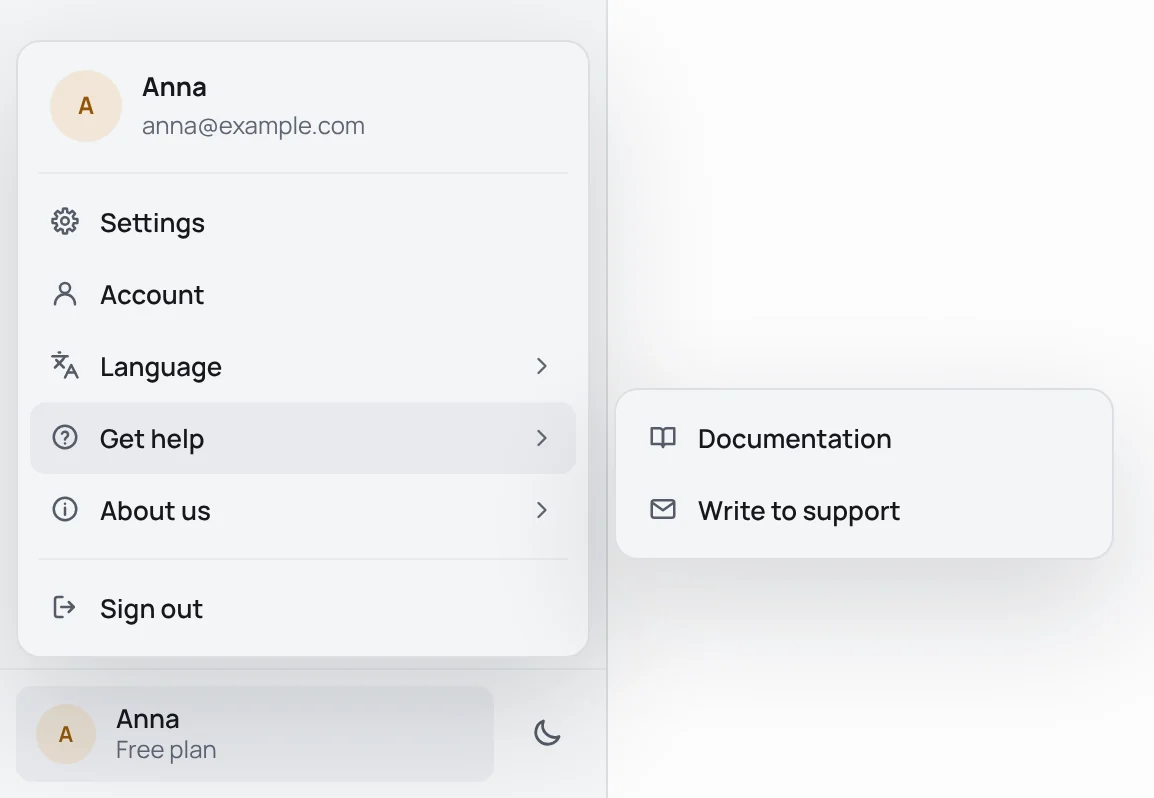
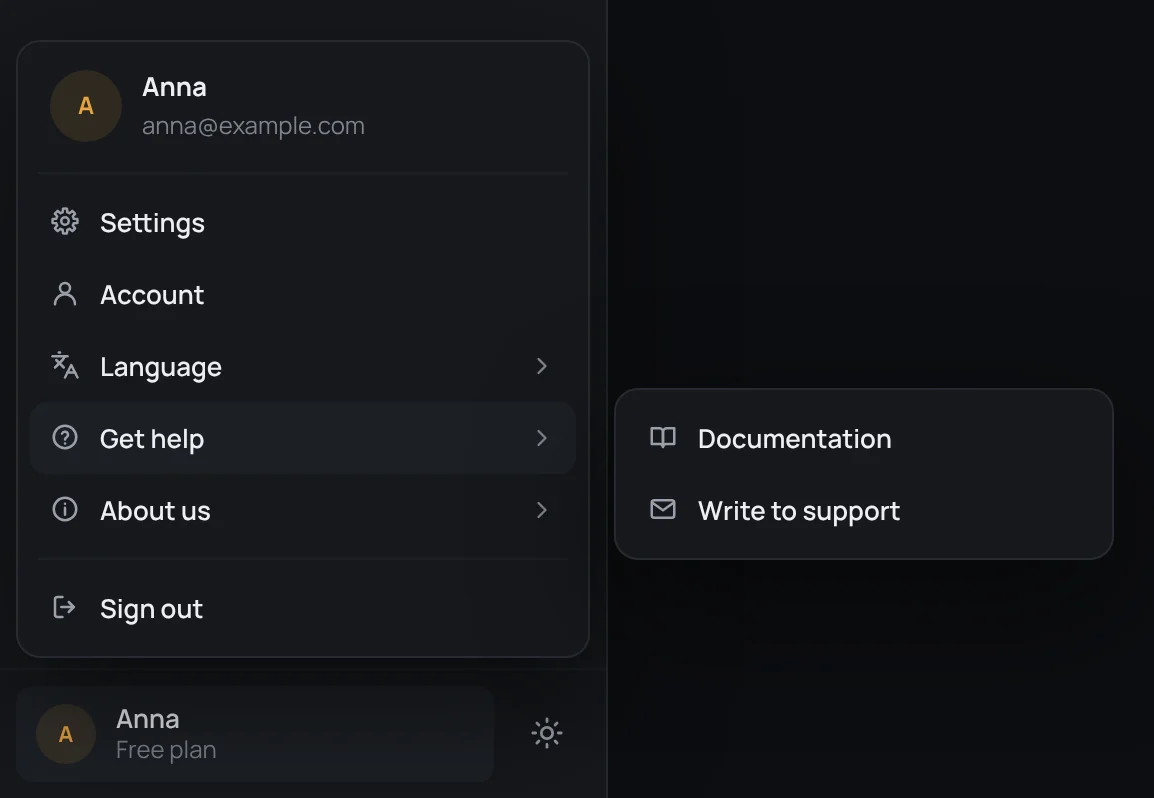
The account at the bottom of the sidebar opens a menu with Get help:
- Documentation opens these pages, in the language tTerm speaks.
- Write to support opens a window to write to us.
Write to support
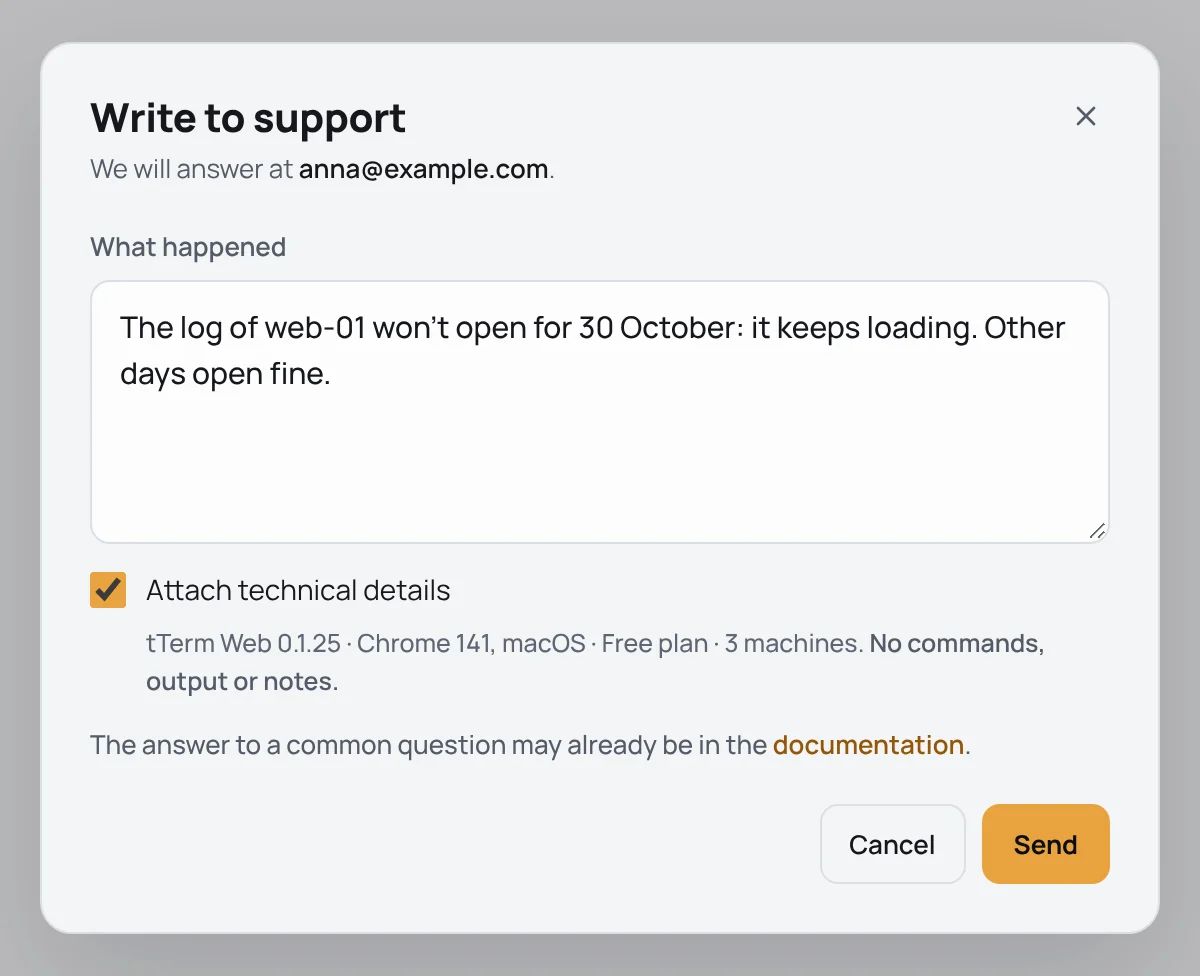
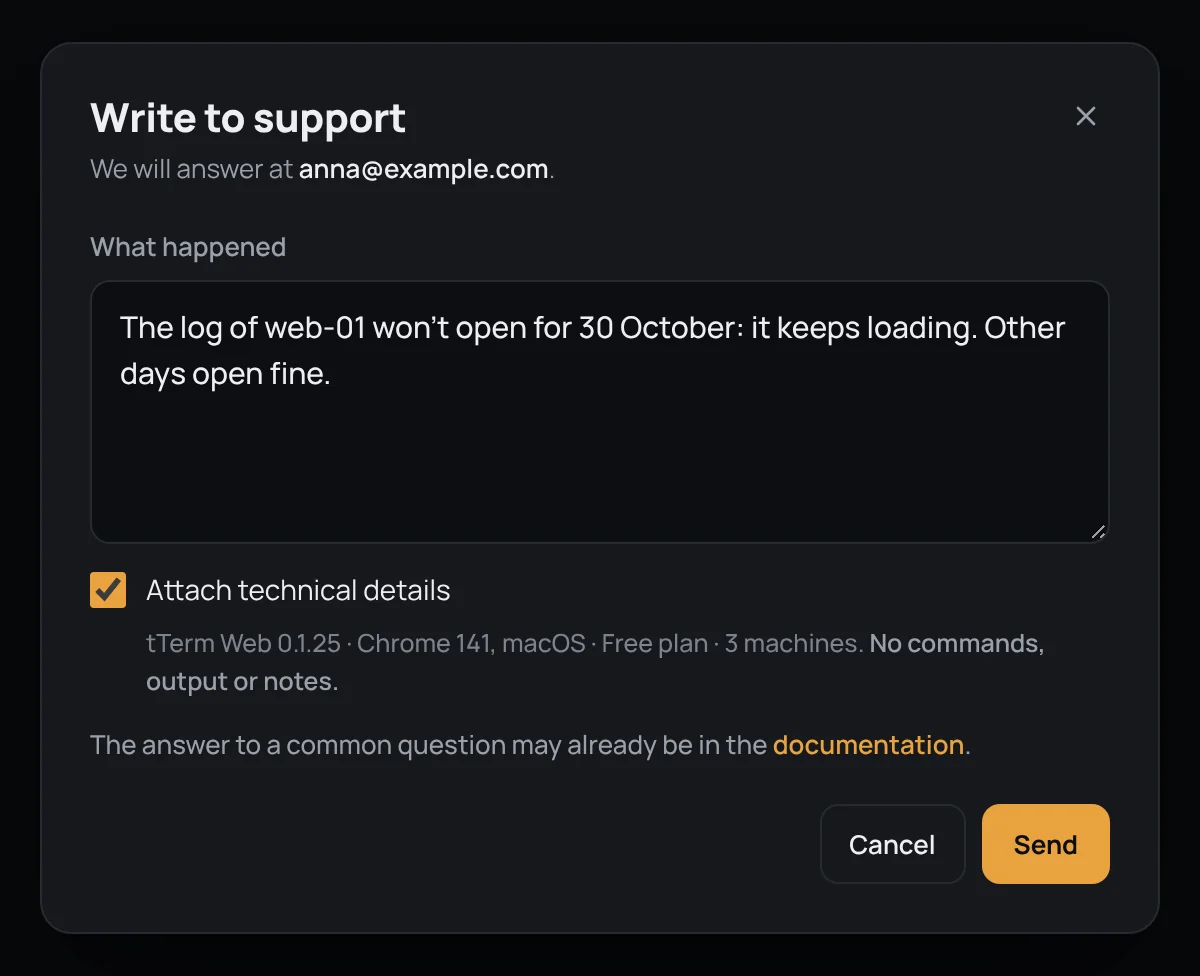
Section titled “Write to support”Say what happened in your own words under What happened, and press Send or ⌘Enter (Ctrl+Enter on Windows and Linux). The answer comes to the email of your account, and a copy of your message is there at once, so you have it too.
Attach technical details is ticked at first. Then one line goes with the message, and right under the tick it shows exactly as it goes: the version of tTerm Web, your browser and its system, your plan and how many machines you have – tTerm Web 0.1.25 · Chrome 141, macOS · Free plan · 3 machines, say. Never your commands, what they printed or your notes. Untick it to send the message alone.
Message sent then says where the answer will come.
In tTerm for Mac before you sign in, the window asks for Your email, and the answer comes there. No copy goes to it, as nobody has checked that address.
You can send five messages an hour; before signing in, three an hour from one network. If a message does not go, the window says so and gives the address to write to yourself: support@tterm.net.
About us
Section titled “About us”About us, in the same menu, leads to the tterm.net website, our Telegram channel and What’s new: what changed in each version of tTerm Web, or of tTerm for Mac in the app.